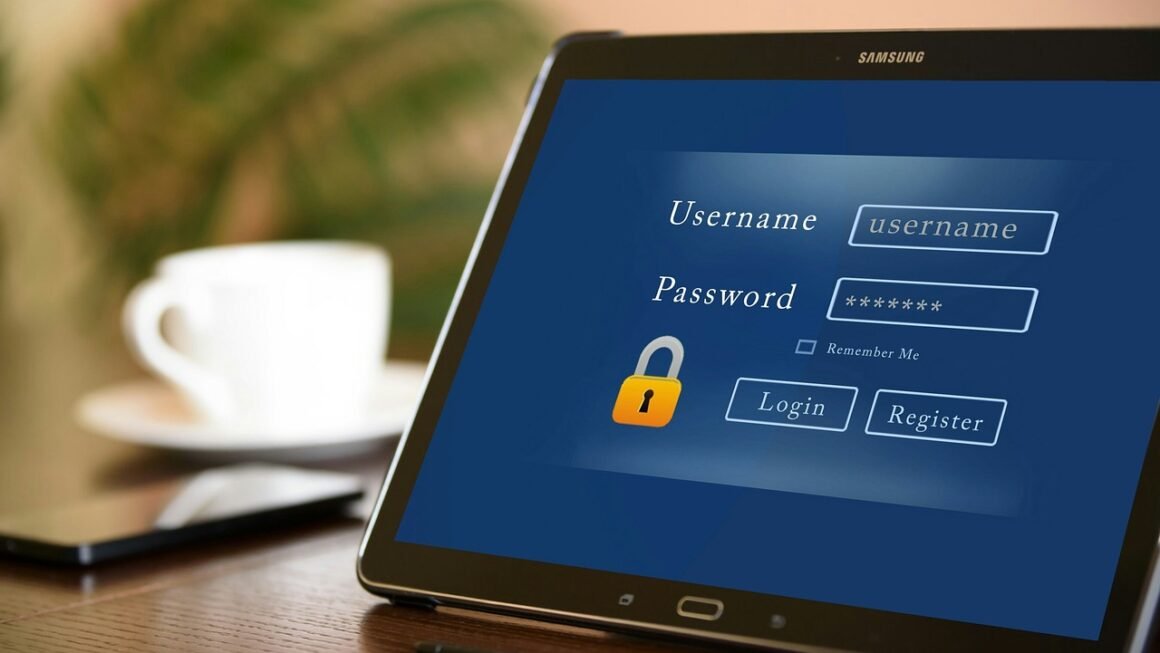
In today’s digital landscape, safeguarding your online accounts and personal information is paramount. A strong password serves as the first line of defense against cyber threats, unauthorized access, and potential data breaches. Neglecting proper password security can expose you to significant risks, from identity theft and financial loss to compromised personal data and reputational damage. This guide will provide you with essential strategies and best practices to create robust passwords and fortify your online security posture.
Understanding Password Security Risks
Common Password Vulnerabilities
Many users unknowingly employ weak password practices, making them easy targets for hackers. Some frequent mistakes include:
- Using easily guessable information: Birthdates, pet names, family member names, or common words are prime targets for dictionary attacks.
- Password reuse: Using the same password across multiple accounts means that if one account is compromised, all accounts using that password are at risk.
- Short passwords: Shorter passwords are easier to crack using brute-force methods, where attackers try all possible combinations.
- Simple patterns: Using sequential numbers (123456) or keyboard patterns (qwerty) are extremely vulnerable.
The Consequences of Weak Passwords
The repercussions of using weak passwords can be severe and far-reaching:
- Account Takeover: Hackers can gain control of your email, social media, banking, and other online accounts.
- Identity Theft: Stolen personal information can be used to open fraudulent accounts, apply for loans, or commit other crimes.
- Financial Loss: Compromised banking or payment accounts can lead to unauthorized transactions and significant financial losses.
- Data Breaches: If your account is used to access sensitive data stored by a company, you may be exposed to data breaches that compromise the data of many other individuals.
- Malware Distribution: Hackers may use compromised accounts to spread malware to your contacts or across networks.
- Reputational Damage: Your reputation can be harmed if your compromised accounts are used to send spam, post inappropriate content, or engage in other malicious activities.
Creating Strong and Unique Passwords
Password Length and Complexity
The longer and more complex your password, the more difficult it is for hackers to crack. Aim for passwords that are at least 12 characters long and include a mix of:
- Uppercase letters: A, B, C, etc.
- Lowercase letters: a, b, c, etc.
- Numbers: 0, 1, 2, etc.
- Symbols: !, @, #, $, %, etc.
- Example: Instead of using “Password123”, consider a password like “Tr33H0us3!Magn0lia” which is much more secure.
Using Passphrases
Passphrases are longer and more memorable than traditional passwords, making them an excellent choice for enhanced security. A passphrase is a sentence or a string of words that you can easily remember but is difficult for others to guess.
- Example: “My Favorite color is electric blue!” is a good example of a passphrase.
- Avoid using common phrases or song lyrics.
- Incorporate numbers or symbols to increase complexity.
- Make the passphrase at least 15 characters long.
Avoiding Personal Information
As previously mentioned, avoid using easily accessible personal information in your passwords. This includes:
- Your name or username
- Your birthdate or address
- Names of family members, pets, or friends
- Common words or phrases
Hackers can often gather this information from social media or public records, making it easier to guess your password.
Password Management Tools and Techniques
Password Managers
Password managers are software applications that securely store and manage your passwords. They offer several benefits:
- Generate strong, unique passwords: Password managers can create complex and random passwords for each of your accounts.
- Store passwords securely: Passwords are encrypted and stored in a secure vault, protected by a master password.
- Automatically fill in passwords: Password managers can automatically fill in your login credentials on websites and apps, saving you time and effort.
- Sync passwords across devices: Many password managers offer syncing capabilities, allowing you to access your passwords from multiple devices.
- Alert you to weak or reused passwords: Password managers can identify weak or reused passwords and prompt you to update them.
Popular password managers include:
- LastPass
- 1Password
- Bitwarden
- Dashlane
Two-Factor Authentication (2FA)
Two-factor authentication (2FA) adds an extra layer of security to your accounts by requiring a second verification method in addition to your password. This means that even if someone knows your password, they will not be able to access your account without the second factor.
Common 2FA methods include:
- One-time codes sent to your phone: This is the most common method, where you receive a unique code via SMS or an authenticator app (like Google Authenticator or Authy) each time you log in.
- Authenticator apps: These apps generate time-based one-time passwords (TOTP) that you can use to verify your identity.
- Hardware security keys: These physical devices plug into your computer or mobile device and provide a secure way to verify your identity. Examples include YubiKey and Titan Security Key.
- Biometric authentication: Some services offer biometric authentication, such as fingerprint or facial recognition, as a second factor.
- Enable 2FA whenever possible. Many websites and apps now offer 2FA, and it’s highly recommended to enable it for all of your important accounts, such as email, banking, and social media.
Regularly Updating Passwords
It’s essential to change your passwords periodically to minimize the risk of compromise.
- Change passwords every 3-6 months. This is a general guideline, but you may need to change your passwords more frequently if you suspect your account has been compromised.
- Update passwords after a data breach. If a website or service you use experiences a data breach, change your password immediately.
- Avoid reusing old passwords. Don’t simply reuse a password you’ve used in the past. Always create a new, unique password.
- Use a password manager to track password changes. Password managers can help you keep track of when you last changed your passwords and remind you when it’s time to update them.
Recognizing and Avoiding Phishing Attempts
Identifying Phishing Emails and Websites
Phishing is a type of cyberattack where attackers attempt to trick you into revealing your sensitive information, such as passwords, credit card numbers, or social security numbers. They often do this by sending emails or creating fake websites that look legitimate.
Warning signs of phishing attempts include:
- Suspicious sender address: Check the sender’s email address carefully. Phishing emails often come from addresses that are slightly different from the legitimate address.
- Generic greetings: Phishing emails often use generic greetings like “Dear Customer” or “Dear User” instead of your name.
- Urgent requests: Phishing emails often try to create a sense of urgency, demanding that you take immediate action.
- Grammatical errors: Phishing emails often contain grammatical errors, spelling mistakes, or awkward phrasing.
- Suspicious links: Hover over links in the email to see where they lead. If the link looks suspicious, don’t click on it.
- Requests for personal information: Legitimate organizations will rarely ask you to provide sensitive information via email.
Protecting Yourself from Phishing Attacks
- Be skeptical of unsolicited emails: Be cautious of any email you receive from an unknown sender, especially if it requests personal information.
- Verify the sender’s identity: If you’re unsure whether an email is legitimate, contact the organization directly to verify.
- Never click on suspicious links: Avoid clicking on links in emails if you’re unsure of the sender’s identity.
- Use a spam filter: Enable spam filtering in your email client to block phishing emails.
- Keep your software up to date: Regularly update your operating system, web browser, and antivirus software to protect against vulnerabilities that attackers can exploit.
- Report phishing attempts:* Report phishing emails to the organization they are impersonating and to your email provider.
Conclusion
Securing your online presence starts with prioritizing strong password practices. By understanding the risks associated with weak passwords, implementing robust password creation strategies, leveraging password management tools, and staying vigilant against phishing attempts, you can significantly enhance your online security. Regular password updates and consistent application of the principles outlined in this guide are key to maintaining a secure digital life. Don’t wait until you become a victim of cybercrime; take proactive steps to safeguard your online accounts today.